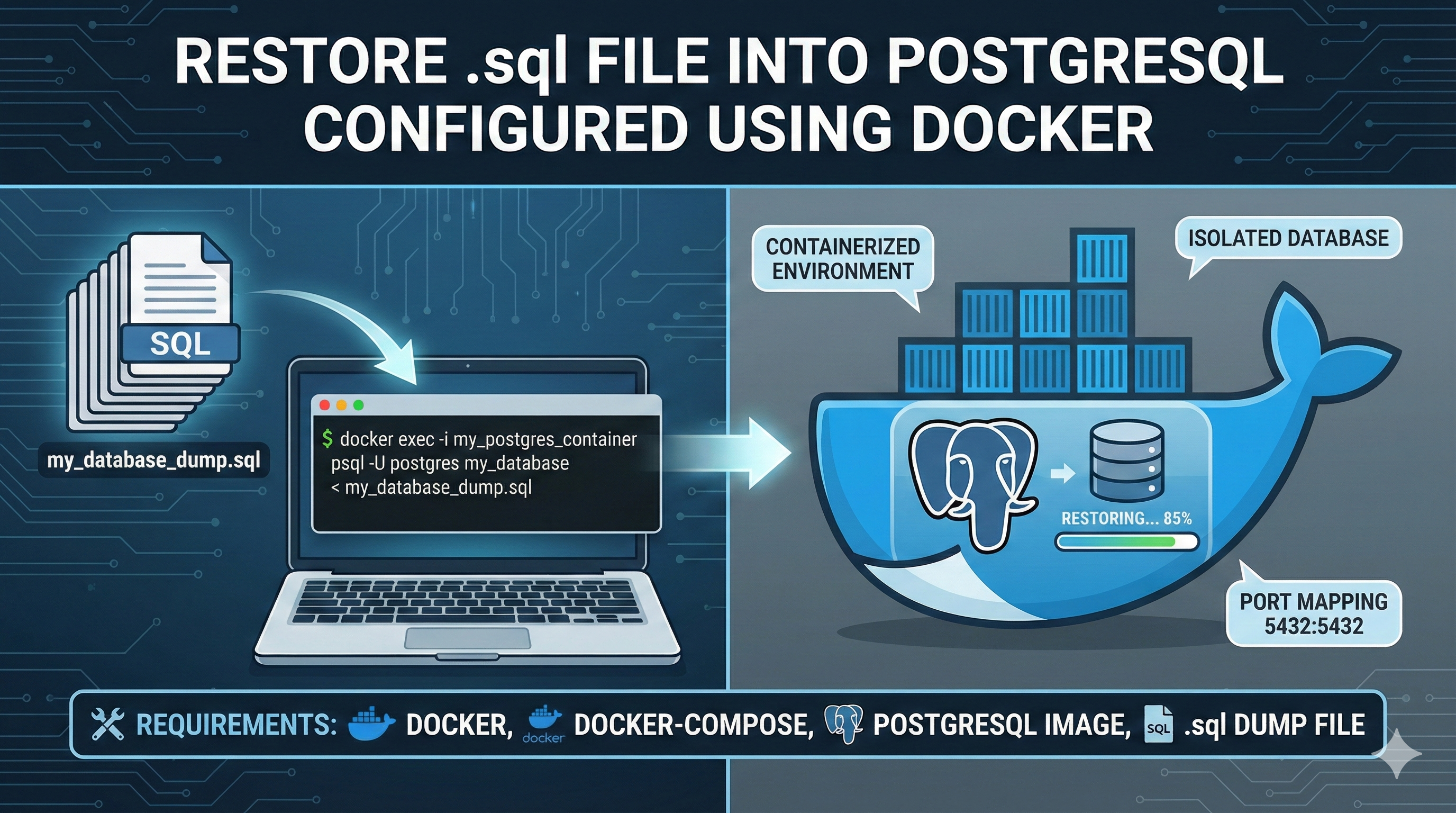

Restore .sql File into PostgreSQL configured using Docker
March 19, 2025, 3:35 a.m.
Note: In docker "5000:80" - 5000 is the port we should open in browser (i.e) localhost:5000
- Extract the tarball in to folder
bash tar -zxvf <file_name>.tar.gz -C /path/to/target/folder - Copy the
.sqlto dockerbash docker cp ~/path/to/<file_name>.sql <container-name>:/var/lib/postgresql/data/ - To go to docker bash (shell)
bash docker exec -it <container-name> /bin/bash - Go to postgres sql shell using below command
bash psql -U <username> -d <dbname> - Create Dummay database in POSTGRESQL
bash CREATE DATABASE <name-of-your-db>; - Now Quit the postgres shell
bash \q - Final Restoration steps:
bash psql -U selva -d usa -a -f /var/lib/postgresql/data/usda.sql - Go to psql shell again
- Check if the DB exists using below query
sql SELECT datname FROM pg_database;orbash \l
Last updated: Dec. 31, 2025, 9:53 p.m.